Upload 3–6 selfies once, then try on styles: fantasy, black & white classics, seaside, old money. Every look is built with your face in 10–20 seconds.



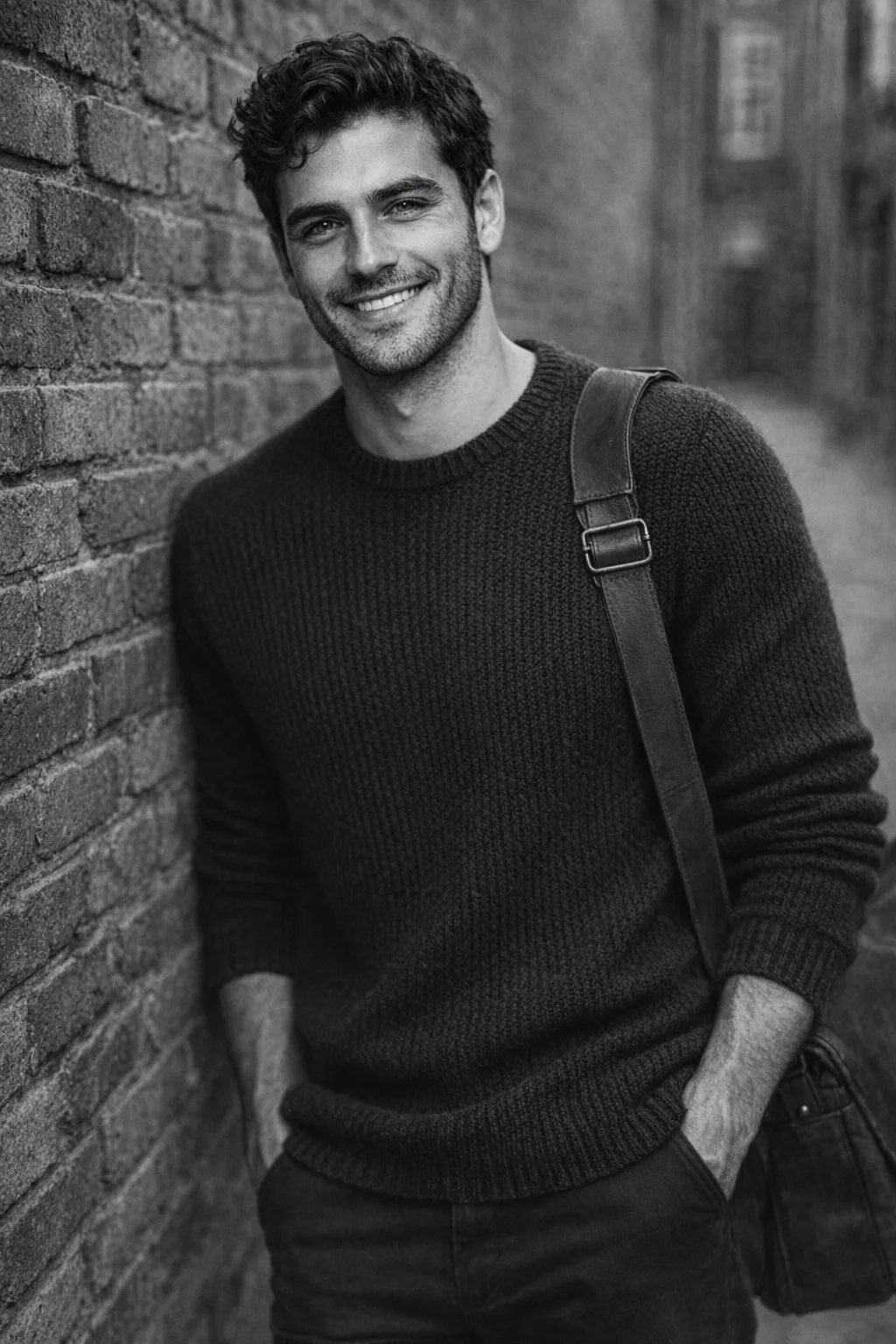
Your face photos are uploaded once and reused for every look — no need to shoot again.
3–6 face photos from different angles in good lighting. That’s your AI Profile.
Over a hundred styles across thirteen collections — separately for women and men.
10–20 seconds and the portrait is ready. Save it to your gallery or share it.
The app works with faces, so the rules here are short and free of fine print.
Photos are used only to create your looks — and for nothing else.
We don’t train models on your photos and don’t hand them to third parties for their own purposes.
“Settings → Delete account” wipes your profile, photos and history from our servers for good.
Details are in the Privacy Policy.
One look costs one credit. Premium styles use a stronger model and cost two.
No subscription — you pay only for what you create. New accounts get 3 looks for free.
No. Face photos are uploaded once into your AI Profile and reused for every look. You can replace them at any time.
No — only your own. We have no way to verify this automatically, so we rely on the confirmation you give when uploading. If someone reports a violation — the person whose photo was used, for instance — we block the account.
The credit is refunded automatically. The failed attempt stays in your history with a short explanation, so you never wonder where it went.
“Settings → Delete account”. It removes your profile, uploaded photos, history and balance from our servers, with no way to restore them.
Russian and English. The language follows your phone and can be switched manually in the app settings.